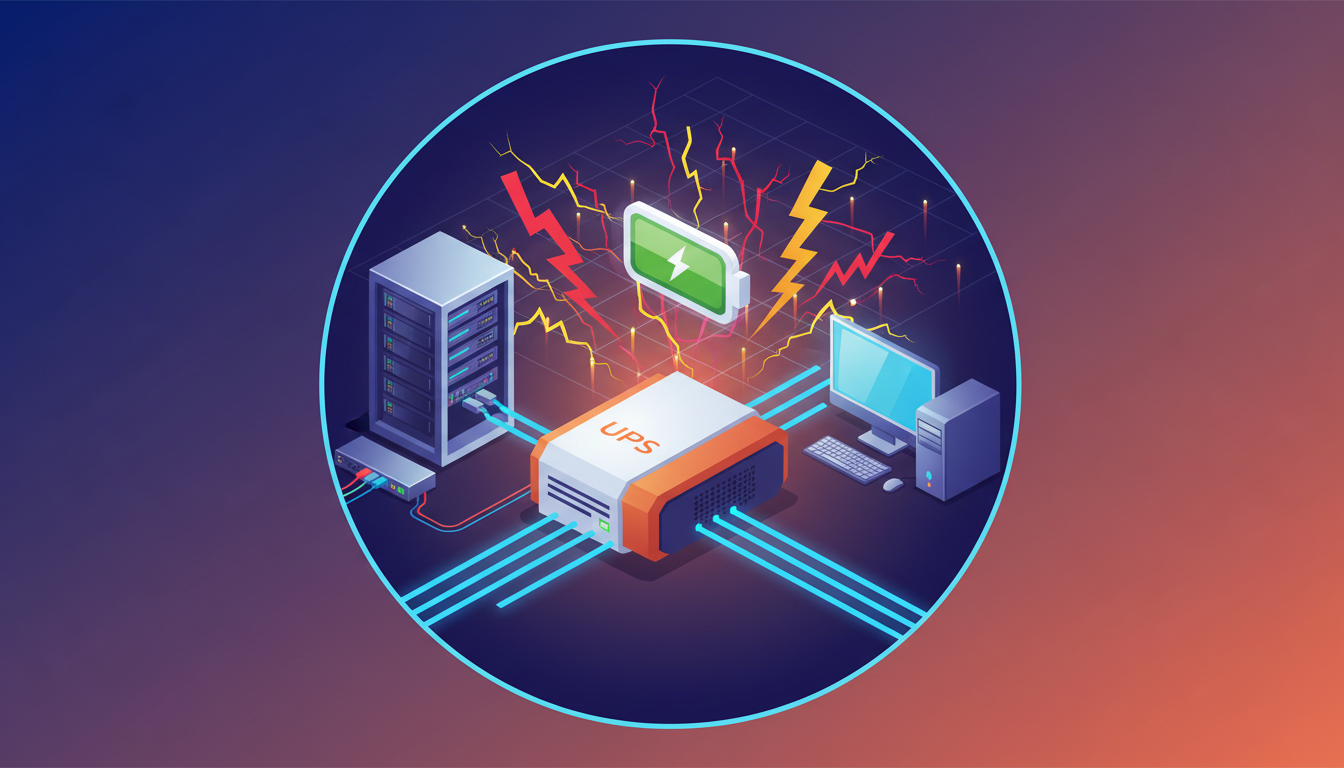
Uninterruptible Power Supply (UPS): What It Is, Why It Matters, and How It Works
Experiences like losing important documents mid-creation due to a sudden power outage, or having expensive computers and servers break down from lightning strikes, are serious mishaps that can befall anyone in our digital society. In modern times—where both work and daily life are heavily reliant on electricity—power supply disruptions can easily lead to data loss and financial damage. The device that protects valuable digital assets from these "worst-case scenarios" is an Uninterruptible Power Supply (UPS).
This article provides a comprehensive overview of UPS, covering the basic concepts of this IT infrastructure workhorse, its importance in the modern world, and how it operates. Furthermore, it offers in-depth insights tailored to readers with existing foundational knowledge, including key considerations for selecting a UPS that fits your organization’s environment and best practices for safe, long-term operation.
Basic Roles and Functions of an Uninterruptible Power Supply (UPS)
An Uninterruptible Power Supply is commonly referred to as a UPS, derived from the initials of its English name. As the name implies, it is a device that delivers "uninterrupted power supply" by housing a high-capacity internal battery. Its core function is to continue supplying power to connected equipment in the event of a commercial power failure.
However, a UPS’s capabilities extend far beyond mere backup power during outages. Modern UPS systems fulfill three primary key roles:
-
Power Supply During Outages (Backup)When a sudden blackout occurs due to lightning strikes or grid failures, a UPS instantly switches to battery power. This gives users enough time to safely save their work data and shut down the operating system following proper procedures, thereby preventing catastrophic outcomes such as system crashes and data corruption.
-
Voltage Fluctuation StabilizationCommercial power grids do not provide a constant voltage; subtle, invisible fluctuations—such as momentary voltage sags or surges—occur constantly. This unstable power can gradually damage the internal components of precision electronic devices like computers and servers, shortening their service life. Most UPS units come equipped with voltage stabilization functionality, delivering clean, consistent power to connected equipment.
-
Protection Against Surges and NoiseLightning surges (abnormally high voltages generated during thunderstorms) and electrical noise caused by the operation of large nearby equipment also pose significant threats to electronic devices. A UPS acts as a surge protector, filtering out these harmful electrical impulses and shielding connected devices from physical damage.
Thanks to these capabilities, UPS systems serve as the "last line of defense" for critical equipment that cannot tolerate even temporary downtime. This includes personal computers, servers, network devices like routers and switches, storage systems (NAS), as well as medical devices and factory production control systems.
Why Do You Need a UPS? Benefits of Implementation and Risk Avoidance
Some people might think, "Power outages are rare in my area, so I don’t need one." But power supply risks are not limited to large-scale blackouts. As mentioned earlier, "power quality degradation"—such as momentary voltage dips, surges, frequency fluctuations, and noise—occurs frequently without being noticed. These power-related issues can cause severe problems for digital devices:
-
Data Corruption and LossThis is the most direct and serious consequence. Beyond losing unsaved files, it can also damage database indexes or cause file system inconsistencies—issues that can require significant time and cost to resolve.
-
System Crashes and Work DisruptionsIf the power is abruptly cut off while an operating system is running, system files can become corrupted, rendering the device unbootable. This brings business operations to a complete standstill and drastically reduces productivity.
-
Shortened Hardware Lifespan and MalfunctionsRepeated exposure to unstable power places heavy stress on electronic components. Precision parts like power supply units, motherboards, and hard disk drives are particularly vulnerable, ultimately shortening the lifespan of the entire device and causing unexpected failures.
Implementing a UPS actively mitigates these risks while delivering substantial benefits:
First, it enables the protection and integrity maintenance of critical data, reliably safeguarding the information assets that form the core of a business.
Second, by consistently supplying clean, stable power, it supports the reliable operation and extended lifespan of connected equipment, protecting investments in expensive servers and network devices and contributing to lower Total Cost of Ownership (TCO).
Third, establishing the ability to either continue operations or shut down safely during an outage is extremely important from a Business Continuity Plan (BCP) perspective. A UPS represents a foundational investment in an enterprise’s reliability and competitiveness. For servers, databases, and core network equipment that require 24/7/365 operation, it is no longer a "recommendation"—it is an absolute necessity.
How a UPS Works: Main Types and Operating Principles
A UPS consists of several core components: a battery for energy storage, an inverter that converts direct current (DC) to alternating current (AC), a charger (converter) that replenishes the battery, and a control circuit that manages overall operation. Based on how these components collaborate to supply power, UPS systems are primarily classified into three types. Understanding the operating principle and characteristics of each type is essential for selecting the optimal product for your specific application.
1. Offline Mode (Standby Mode)
This is the simplest and most cost-effective UPS design. Under normal conditions, it feeds incoming commercial power directly to connected devices while simultaneously charging its internal battery. When it detects a power outage or voltage fluctuations exceeding preset thresholds, it instantly activates the inverter to switch to battery power.
Advantages: Its simple structure translates to a low price point and low power consumption during normal operation (high efficiency). Most models are compact and lightweight.
Disadvantages: A brief power gap—measured in milliseconds—occurs during the switch from grid power to battery power. Additionally, it lacks voltage regulation capabilities under normal operating conditions, making it unable to handle minor voltage fluctuations.
Suitable Applications: Ideal for protecting devices that do not require high power quality, such as personal computers, home gaming consoles, and peripheral equipment in small offices.
2. Line-Interactive Mode
This is an improved version of the offline mode, offering an excellent balance between cost and performance. Its basic structure is similar to the offline UPS, but it incorporates an Automatic Voltage Regulator (AVR). This allows it to correct minor voltage sags and surges using a transformer—without drawing on the battery—to deliver stable power output.
Advantages: It addresses daily voltage fluctuations while minimizing battery wear. It supplies higher-quality power than offline UPS systems and is more affordable than online models.
Disadvantages: Like offline UPS systems, it experiences a slight switching delay when a power outage occurs.
Suitable Applications: Well-suited for environments requiring a moderate level of power quality and reliability, such as workstations, department-level servers, and small-scale network devices.
3. Online Mode (Double-Conversion Mode)
This type offers the highest level of protection performance. Under normal operating conditions, it continuously performs double power conversion: alternating current (AC) → direct current (DC) → alternating current (AC). In other words, it first converts grid power to DC to charge the battery, then uses the inverter to regenerate a stable sinusoidal AC output—completely independent of the incoming power source.
Advantages: Since the output is unaffected by input power quality, it protects equipment from all power-related issues, including outages, voltage fluctuations, and noise. Its defining feature is zero transfer time (seamless power transition) and the ability to supply the cleanest, most stable power available.
Disadvantages: The inverter operates continuously, resulting in higher power consumption and heat generation. Its complex design also makes it the most expensive UPS type.
Suitable Applications: Indispensable for mission-critical systems that cannot tolerate any power interruptions or quality degradation, such as data center servers, medical equipment, broadcasting gear, and precision analytical instruments.
Key Considerations for Selecting the Right UPS
Choosing a UPS that is optimal for your organization’s environment requires careful evaluation of several critical factors. Selecting a unit based solely on appearance or price can result in a device that fails to perform when needed, or an over-specified system that incurs unnecessary costs.
1. Calculate Capacity (VA/W)
The maximum power a UPS can supply is referred to as its capacity, expressed in Volt-Amperes (VA) or Watts (W). First, check the power consumption (in Watts) of all devices you wish to protect (PCs, monitors, routers, NAS, etc.) using their specification sheets or product labels, then calculate the total power draw. Crucially, the UPS capacity should be significantly larger than this total value. As a general rule, it is recommended to select a UPS with a capacity that is 1.2–1.5 times the total power consumption. This buffer is necessary to handle the inrush current generated when devices start up and to accommodate future equipment expansions.
2. Determine Backup Time (Runtime)
Backup time (or runtime) refers to how long a UPS can continue supplying power during an outage. The required runtime varies depending on the application: 5–10 minutes is sufficient if the goal is simply to save files and shut down the system safely. However, longer runtime is needed if you want to maintain business operations during short-term outages. Even for UPS systems with the same capacity, runtime varies significantly based on battery size and the connected load. Always refer to the manufacturer’s runtime charts to select a model that meets your specific time requirements.
3. Choose the Power Supply Mode
Select the appropriate UPS type—offline, line-interactive, or online—based on the criticality of the equipment being protected and your budget. As a general guideline: offline mode for personal computers, line-interactive mode for small-scale servers, and online mode for core servers and medical equipment.
4. Evaluate Other Important Specifications
In addition to the basic factors above, considering the following points will help you make a more satisfying selection:
- Output Waveform: Budget UPS models typically output square waves or modified sine waves. However, modern PCs and servers equipped with Power Factor Correction (PFC) circuits require a UPS that outputs a true sine wave—identical to commercial power. Incompatible waveforms can cause equipment malfunctions or failures.
- Management Functions: Check if the UPS comes with bundled software that allows connection to a PC via USB or a network. This software can automatically trigger a safe shutdown during an outage and enable real-time monitoring of the UPS status.
- Physical Considerations: Installation space, fan noise level, and heat generation during operation are also important selection criteria. Especially for office installations, a quiet model is highly desirable.
UPS Operation and Maintenance: Tips for Extended Lifespan and Safe Use
Installing a UPS does not mean you can set it and forget it. Proper operation and regular maintenance are essential to maintain its performance and ensure safe, long-term use. In particular, the battery—the heart of the UPS—is a consumable item that requires proactive management to maximize its lifespan.
Battery Lifespan and Replacement
The typical lifespan of a lead-acid battery used in a UPS is 3–5 years under optimal conditions. However, this is a guideline for proper operating environments; high ambient temperatures or frequent charging/discharging cycles will shorten its service life. Most UPS units are equipped with warning lights or alarms to indicate battery deterioration. A noticeable reduction in backup time is also a clear sign that replacement is needed. Leaving a degraded battery in place not only renders the backup function ineffective but can also lead to electrolyte leakage, internal short circuits, and in extreme cases, overheating or fire. It is critical to include regular battery replacement in your maintenance schedule.
Maintain a Suitable Installation Environment
A UPS’s performance and lifespan are heavily influenced by its operating environment. It is essential to adhere to the temperature and humidity ranges recommended by the manufacturer (generally 0–40°C and ≤90% humidity). High temperatures, in particular, accelerate battery degradation significantly, so avoid installing the UPS in direct sunlight or near heating equipment. Additionally, ensure adequate clearance from walls and other devices to prevent blocking ventilation openings, and perform regular cleaning to prevent dust accumulation, which can interfere with internal cooling of electronic components.
Load Management and Regular Inspections
Avoid "overloading" the UPS by connecting devices that exceed its rated capacity. Overloading can prevent the backup function from operating correctly during an outage. Ideally, the total power consumption of connected devices should not exceed 80% of the UPS’s rated capacity. Most UPS systems feature a self-test function that diagnoses the status of the battery and internal circuits. It is recommended to perform this test regularly—such as once a month—to check for any abnormalities.
Safe Disposal
Used UPS units and replaced batteries contain hazardous substances like lead. Disposing of these items as regular household waste is illegal. When discarding them, use the collection services provided by the retailer or manufacturer, or hire a specialized waste management company licensed to handle industrial waste, ensuring compliance with all relevant laws and regulations.
Frequently Asked Questions (FAQ)
Q: How long does a UPS battery last?
A: The expected lifespan of a typical lead-acid battery is approximately 3–5 years when used in an appropriate environment (e.g., 25°C ambient temperature). However, higher temperatures or frequent power outages that increase charging/discharging cycles tend to shorten its lifespan. Most UPS units use indicator lights or buzzers to alert users to battery degradation, which serves as a reliable guideline for replacement.
Q: Do I need a UPS for my home PC?
A: A UPS is not strictly required for every home computer. However, it is well worth investing in a compact, affordable offline UPS if you work from home and handle critical data, want to avoid interruptions during online gaming, or live in an area prone to frequent momentary power sags. For a relatively small investment—usually a few thousand yen to around 10,000 yen—you can significantly reduce the risk of data loss.
Q: What is the difference between a UPS and a generator?
A: A UPS is designed to provide instantaneous, short-term power supply. Upon detecting an outage, it switches to battery power either seamlessly or within milliseconds, providing enough time to shut down equipment safely. In contrast, a generator is intended for long-term power supply but requires tens of seconds to several minutes to start up and stabilize. For this reason, data centers and similar facilities often use a combination of both: the UPS supplies power immediately after an outage, while the generator is started. Once the generator output stabilizes, the system switches over to generator power for extended backup.
Q: How do I choose the right UPS capacity?
A: The basic selection process involves two steps:
- Calculate the total power consumption (Watts) of all devices you want to protect, such as your PC, monitor, and router.
- Select a UPS with a capacity (Watts or VA) that is 1.2–1.5 times this total value.
For example, if your total power consumption is 300W, a UPS with a capacity of 360W–450W or higher is a suitable starting point. For added peace of mind, consider choosing a slightly larger capacity to account for your required backup time and potential future equipment additions.